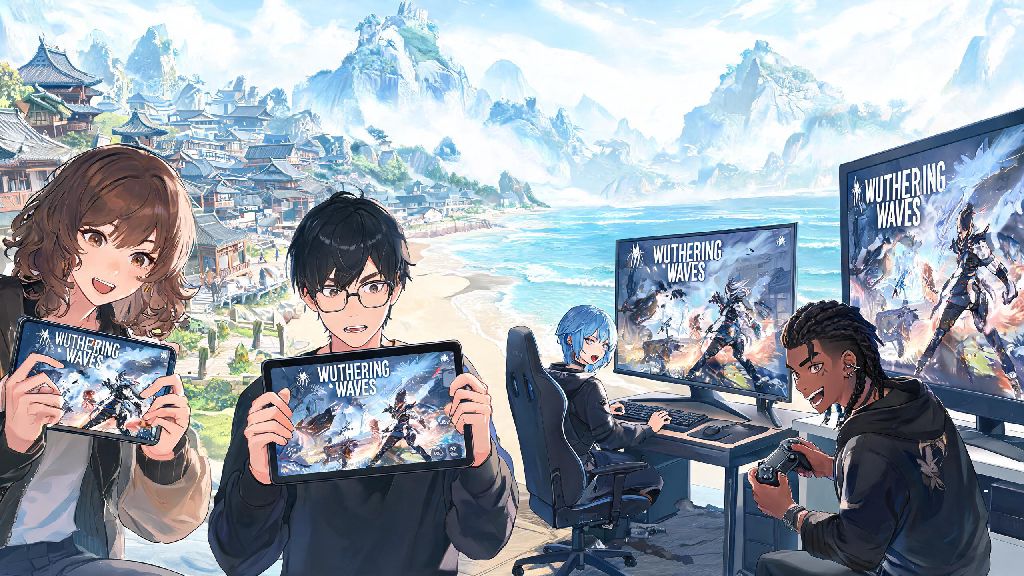
If you’ve stumbled on gorgeous open-world clips of Wuthering Waves online or heard friends rave about its fast-paced combat, you’ve probably asked yourself: can i play wuthering waves? You’re not alone. Since its global launch, the action RPG has built a massive fanbase, but new players often run into confusion around regional restrictions, device compatibility, and account requirements. I’ve helped dozens of friends get set up to play over the past few months, so I’m breaking down all the details you need to know to get in the game as quickly as possible.
Can I Play Wuthering Waves on My Current Device? Supported Platforms Breakdown
If you’ve been asking can i play wuthering waves on your old phone or mid-tier PC, the answer depends on how well your hardware matches the official specs. The game is available natively on Android, iOS, and Windows PC right now, with a PS5 port slated for release in the near future. There is no native macOS support yet, but you can use cloud gaming services or Android emulators to play on Apple computers if you don’t mind a small amount of extra input lag.
For mobile players, minimum Android requirements include Android 10, 4GB of RAM, and a Snapdragon 845 or equivalent processor. Recommended Android specs are Android 12, 8GB of RAM, and a Snapdragon 888 or higher for smooth 60fps gameplay on medium to high settings. For iOS users, minimum requirements are an iPhone 11 or later running iOS 14, while iPhone 13 or newer devices will run the game flawlessly on max settings.
PC players need at least a 64-bit Windows 10 operating system, Intel Core i5-7500 processor, 8GB of RAM, and a GTX 1060 6GB graphics card to run the game on low settings. If you want to play on 1080p high settings with 60fps, you’ll need an Intel Core i7-10700, 16GB of RAM, and an RTX 3060 or equivalent GPU. Cloud gaming support is also available for players with lower-end hardware, as long as you have a stable 15mbps internet connection.
Are There Regional Restrictions for Wuthering Waves?
A lot of players reach out to me asking can i play wuthering waves even if my country isn’t on the official supported list, and the short answer is usually yes, as long as you take the right precautions. The game is officially available in most regions including North America, Europe, Southeast Asia, Australia, and New Zealand. Mainland China has a separate local version of the game with different content and updates, and a small number of regions have no official support due to local game rating regulations.
If you’re in a restricted region, you don’t have to give up right away. Many players use reputable gaming VPNs to connect to servers in supported regions, but you need to take a few steps to avoid account bans or excessive lag. Free VPNs are almost never a good option for this, as they have slow speeds, data caps, and often share IP addresses across hundreds of users that can get flagged by the game’s anti-cheat system.
Before you try to access the game from a restricted region, check these key points:
Always use a registered account tied to a supported region email instead of buying pre-made accounts from third-party sellers. Pre-made accounts often get banned a few weeks after purchase, and you’ll lose all your progress and any purchases you made on the account.
Do You Need to Pay to Play Wuthering Waves?
You don’t have to pay any upfront cost to download or play Wuthering Waves, it is fully free-to-play for all users on all supported platforms. The only paid content is optional: cosmetic character skins, limited-time character and weapon banners, and a monthly battle pass that gives extra in-game rewards. None of this paid content locks core story, open world exploration, or gameplay features behind a paywall.
If you’re a casual player, you can 100% complete every main quest, explore every area of the map, and build a strong competitive team without spending a single cent. The game gives out plenty of free premium currency for completing quests, events, and daily challenges, so you can save up for limited-time characters you want without paying. If you do choose to spend money, prices are in line with other popular gacha games on the market, and purchases carry across all your linked devices.
Cross-progression is enabled for all supported platforms as long as you log in with the same account. That means you can play on your phone during your commute, then switch to your PC when you get home to play on a bigger screen with better graphics, no extra cost or setup required. The only exception is that purchases made on iOS app store are tied to your Apple ID, but all other progress carries across seamlessly.
Common Issues That Stop You From Playing Wuthering Waves (And How to Fix Them)
Even if you meet all the requirements, you might run into small issues when you first try to launch the game. The most common problem is the game not showing up in your device’s app store, which almost always means your region is restricted. For Android users, you can download the official APK directly from the game’s website to bypass this, while iOS users can switch their app store region to a supported country to download the game.
If the game crashes immediately after you launch it, it’s usually because your device doesn’t meet the minimum specs, or you have an outdated operating system. Try updating your device’s OS to the latest version, closing all background apps before you launch the game, and lowering the in-game graphics settings from the launch menu before you load into your save file. If you’re playing on PC, make sure your graphics card drivers are updated to the latest version, as outdated drivers often cause launch crashes.
Login errors are another common issue, especially for players using VPNs. If you get a login failed message, first check that your internet connection is stable, then make sure your VPN is connected to a supported region server before you open the game. If you still can’t log in, try resetting your account password, or contacting support if the issue persists for more than a few hours. Never download the game from third-party unofficial sites, as they often have malware or modified versions that can get your account banned or steal your personal information.
At the end of the day, the answer to can i play wuthering waves is almost always yes, as long as you have a compatible device and follow the right steps to get access, even if you’re in a region that isn’t officially supported yet. Take a minute to check your device specs first, then follow the account setup rules we covered to avoid unnecessary headaches. I’ve seen players with 5-year-old phones and players in restricted regions get set up in less than 10 minutes using the tips above, so don’t get discouraged if you hit a small roadblock at first. Once you’re in, take your time exploring the open world and experimenting with different character teams – the game has so much to offer for every type of player, no matter if you’re a casual grinder or a hardcore completionist.