If you’ve ever moved to a new country, realized all your friends play on a different region, or just struggle with high ping on your current server, you’ve probably wondered can you change servers in Wuthering Waves without losing all the hours you’ve poured into pulling your favorite 5-star Resonator or clearing endgame roguelite runs. I went through this exact situation last year when I relocated from North America to Southeast Asia for work, after spending three months building an account with every limited banner Resonator up to Jiyan. I dug through official support pages, tested workarounds, and even submitted a transfer request, so I’m sharing everything I learned to save you the same frustration I went through.
Can You Change Servers in Wuthering Waves Without Losing Progress?
The short official answer from developer Kuro Games is that regular, on-demand cross-server progress transfers are not available for most players right now. Most of the time, if you select a different server from your original one, you won’t be able to bring your existing character, items, or purchases with you. A lot of new players brush off server selection as a throwaway choice when they first boot up the game, but it’s actually a much more impactful decision than many realize. I’ve seen dozens of players on the official Wuthering Waves Discord begging for transfer help after picking a random server on launch, only to find out all their friends are on a different one.
Important note: Your in-game purchases, character roster, and story progress are all tied directly to the server you first created your account on, and they don’t carry over automatically if you pick a different server on login. Cross-save functionality between PC, mobile, and PS5 works across the same server, so you can log into your NA West account on any device and access your save, but it doesn’t work across different servers. If you log into your account on PS5 and pick NA East instead of NA West, you’ll be prompted to create a brand new character from scratch.
What Happens When You Select a Different Server on Your Wuthering Waves Account?
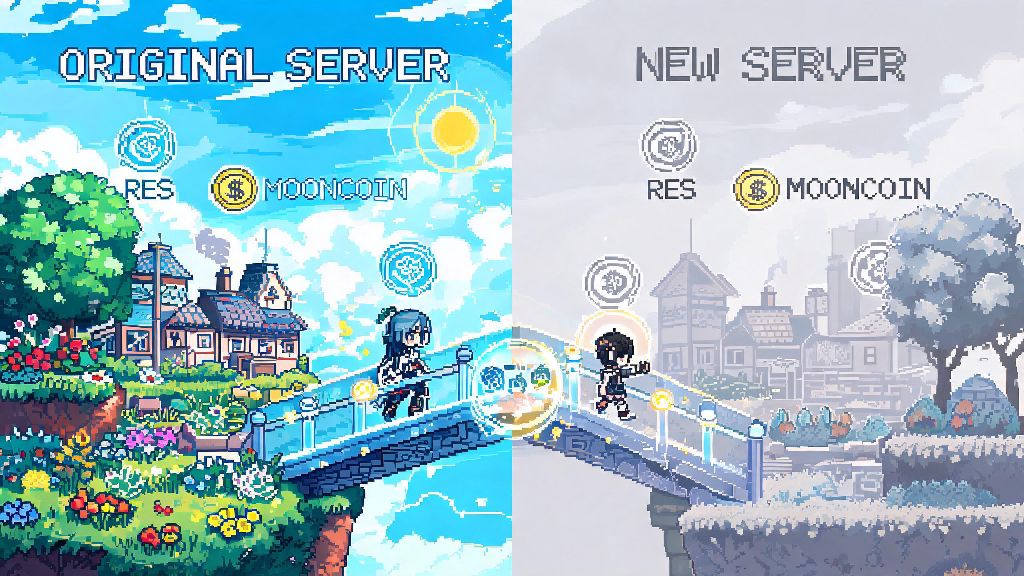
You are technically allowed to select any available server in any region every time you log into the game, there’s no lock preventing you from exploring other servers. The catch is that each server has its own separate save file tied to your account. When you pick a server you’ve never played on before, you’ll start at the beginning of the game, with no access to your original character or items. You don’t lose any progress on your original server when you do this, it just exists as a separate save.
You can switch back to your original server at any time to access your old save, and no penalty applies for testing other servers. That said, there are noticeable downsides to playing on a server outside your physical region. You’ll almost always have higher ping, which can make fast-paced combat feel laggy and cause you to get kicked out of co-op missions mid-run. Event timings are also aligned to the server’s local time, so if you’re on a European server but live in Asia, you might miss time-limited missions or live event streams that run while you’re asleep. Payment methods are also tied to the server’s region, so you might not be able to use your local e-wallet or bank card to buy in-game currency if you’re playing on a server outside your home country.
Valid Scenarios Where You Can Request a Server Transfer for Your Existing Progress
While regular transfers are not allowed for most players, Kuro Games does approve transfer requests in very specific, well-documented situations. These are the only cases where you can move your existing progress to a new server without starting over:
You will need to submit a detailed support ticket through the official Wuthering Waves help center to request a transfer, and approval can take up to 10 business days. When I submitted my request after moving to Southeast Asia, I had to provide a copy of my work visa, a local phone bill with my new address, and my original account ID to even get my request reviewed. They ended up approving it, but I lost access to two limited-time purchase packs I’d bought on the NA server, because they weren’t available in the SEA region. You can only request one transfer per account lifetime, so you can’t keep moving servers every time you travel for work or vacation.
Tips to Avoid Headaches When Playing Across Multiple Wuthering Waves Servers
If you’re thinking about testing other servers, or you’re a new player trying to pick the right server for your main account, these tips will save you a lot of hassle down the line. First, if you’re new, take 10 minutes to test the ping on 2 or 3 servers closest to your physical location before you create your main character. Make a throwaway level 1 account, run a quick co-op mission, and see how the connection feels before you invest any time or money into a server.
Never share your account login details with third-party services that claim to offer unofficial server transfers, as these are almost always scams that can get your account banned permanently. Kuro Games actively bans accounts that use third-party transfer tools, and you’ll lose all your progress with no way to get it back. If most of your friends already play Wuthering Waves, ask them what server they’re on before you create your main account, because co-op play is only allowed between players on the same server, and you won’t be able to join their runs or share items if you’re on a different region.
If you plan to spend money on the game, always do so on your main server to avoid wasting currency on an account you won't use long term. If you’re moving regions long term and your transfer request gets denied, it’s better to start fresh on the local server early rather than pouring more money and time into a server you’ll only be able to play on with high ping. I ended up starting a second account on the SEA server even after my transfer was approved, because the lower ping made co-op runs and open world exploration feel so much smoother, and it was worth the small grind to re-unlock my favorite Resonators.
So to wrap up, if you were asking can you change servers in Wuthering Waves, the answer is you can access any server at any time, but moving your existing progress between them is only possible in very limited, official cases. You’ll save yourself a lot of trouble by picking the closest server to your physical location, or the same server as your friends, when you first start the game. If you do want to test other regions, you can do so safely without risking your original save, just remember you’ll have to start from scratch on the new server. Take the time to pick the right server early, and you won’t have to deal with the headache of transfer requests down the line.