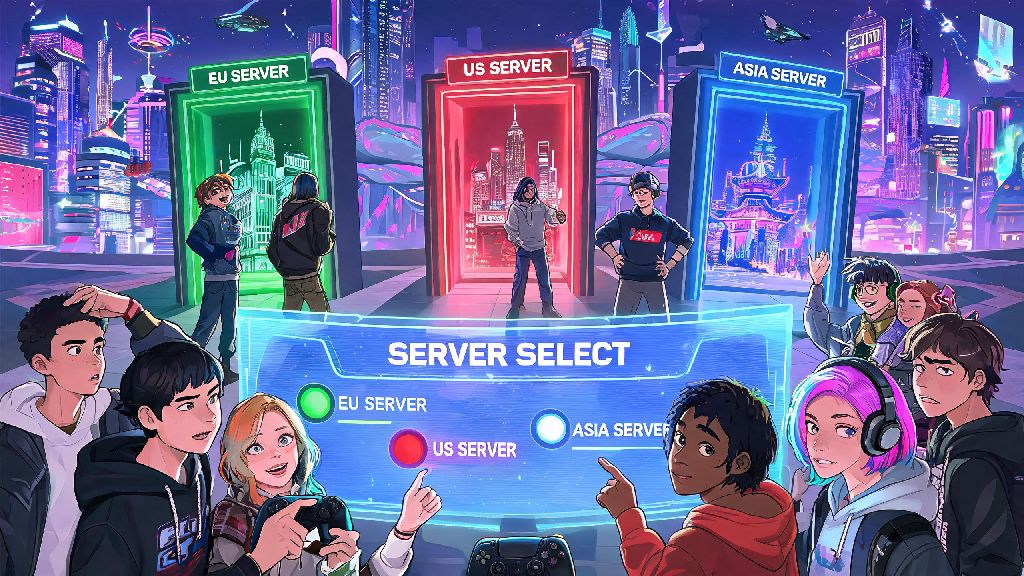
If you’ve ever logged into Wuthering Waves only to realize all your friends are playing on a different server, or you moved to a new country and your old server has unplayable lag, your first question is probably can you switch servers in wuthering waves. I’ve been in that exact spot myself: I picked the NA server on launch day without checking, and later found out all my college friends were playing on the SEA server. I spent hours testing workarounds, reaching out to support, and digging through official community posts to find a clear answer, and I’m breaking down everything you need to know right here.
Can You Switch Servers in Wuthering Waves Officially Right Now?
The short answer is no, Kuro Games does not currently offer an official server transfer tool for existing Wuthering Waves accounts. That means you can’t move your existing progress, characters, or purchases from one server to another with a few clicks, like you can in some other popular gacha games. I reached out to the official support team last month to ask about transfer options after I moved to Singapore for work, and they confirmed no transfer features are available for global players as of the latest update. Some players have shared workarounds online that involve using VPNs to access other servers, but those only work if you’re creating a brand new account, not moving your existing one. It’s also worth noting that using a VPN to access servers you aren’t eligible for could violate the game’s terms of service, and put your account at risk of suspension.
What Happens If You Create a New Account on a Different Server?
If you’re early enough in the game that you don’t mind starting over, you absolutely can make a new account on whatever server you want. You don’t need a new email address for most regions either, you just log out of your current account, select the server you want to join, and create a new profile from the login screen. You will not be able to transfer any paid or earned content between servers, though, so you’ll lose all your existing resonators, weapons, pull currency, event rewards, and any paid OVC you bought on your original account. That’s a big deal if you’ve spent hundreds of dollars or dozens of hours grinding for your favorite 5-star characters. If you’re only a few hours in, though, and haven’t pulled any rare characters you don’t want to lose, starting over is a completely valid option to play with friends or get lower ping. I did this myself when I first realized my friends were on SEA, and it only took me a couple of days to get back to the same progress I had on my original NA account.
Key Restrictions to Know Before Changing Wuthering Waves Servers
Before you go through the trouble of making a new account on a different server, there are a few important rules and limitations you should keep in mind to avoid wasting your time. These are all rules I learned the hard way through testing, so you don’t have to make the same mistakes I did:
So, for example, if you’re based in the US but swap to the SEA server to play with friends, you’ll have to deal with 150+ ms ping at all times, and you’ll get event updates 12 hours earlier than you would on the NA server. That might not be a big deal for casual players, but it’s a huge pain for anyone who cares about competitive leaderboards or fast event clear times.
Future Plans for Wuthering Waves Server Transfers
If you’re 50+ hours into the game with a stacked roster of 5-star resonators, you probably don’t want to start over on a new server. The good news is Kuro Games has acknowledged that server transfers are a top requested feature from the global player base. During a community Q&A held a few months back, the dev team confirmed they are actively working on developing a server transfer tool for players who accidentally picked the wrong server at launch, or moved to a new region. Any future transfer tool will likely come with a cost, probably paid in OVC, the game’s premium currency, similar to server transfer systems in other popular gacha games. You should also know it’s unlikely that transfers between global and mainland China servers will ever be allowed, due to different content regulations and separate account systems between the two versions. If you’re waiting for server transfers to drop, avoid spending extra money on your current account if you know you’ll want to swap as soon as the feature launches, and keep an eye on official social media channels for update announcements.
At the end of the day, if you’re asking can you switch servers in Wuthering Waves right now, the short answer is no official transfer option exists, but you can start over on a new server if you’re okay with losing your existing progress. Always double check which server your friends are on before you start playing to avoid this headache entirely, and pick the server closest to your physical location to get the lowest possible ping. I’m still holding out hope the server transfer tool drops later this year so I can move my main NA account to SEA to play with my friends, and I’ll update this post as soon as there’s any official news about launch dates or costs for transfers.