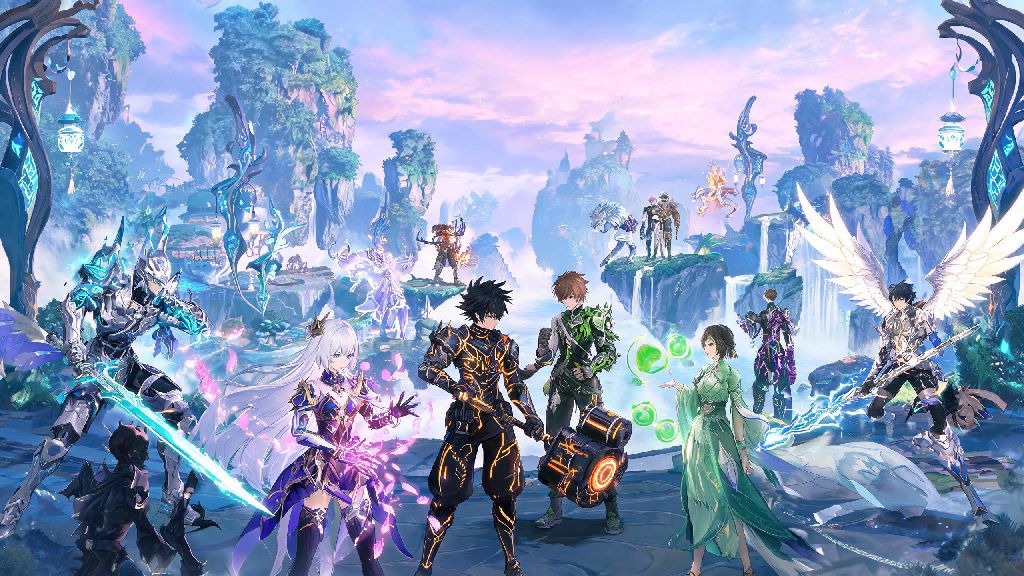
If you’ve spent dozens of hours exploring Jinzhou, grinding for your favorite 5-star Resonator, or tweaking your combat build to clear Abyss levels faster, you’ve probably wondered at some point are mods allowed in Wuthering Waves. Mods can make gameplay smoother, add fun cosmetic tweaks, or even fix small quality-of-life gaps the base game hasn’t addressed yet, but no one wants to risk losing their account over a small customization. I’ve been playing gacha games for over 7 years, and I’ve made the mistake of getting an account banned for a silly cosmetic mod before, so I know how frustrating it is to lose months of progress over a small mistake. I’ve spent months testing different customizations for Wuthering Waves, talking to active community members, and going through official terms of service to break down exactly what’s allowed, what’s not, and what you should avoid at all costs.
Are Mods Allowed in Wuthering Waves? Official TOS Breakdown
Kuro Games, the developer of Wuthering Waves, has very clear rules laid out in their public terms of service regarding third-party modifications. The short official answer is that any mod that alters core game files, interacts with game servers, or gives you an unfair competitive advantage is strictly prohibited. The game’s built-in anti-cheat system runs on both PC and mobile versions, and it flags any program that injects code into the game client, regardless of what the mod is designed to do.
Purely local cosmetic mods that only change visuals on your personal device without touching server data are technically a gray area right now, but that doesn’t mean they are safe. Kuro has explicitly stated that they do not support any third-party modifications of any kind, and they reserve the right to ban any account found using modified game files, even if the mod is only for cosmetic purposes. Most mod-related bans are permanent with zero chance of appeal, so the risk far outweighs the reward for most players.
Types of Mods That Will Definitely Get You Banned
Not all mods are created equal, and some carry 100% risk of account termination if you use them. If you’re even thinking about downloading any of the following, stop immediately:
I’ve seen dozens of posts on Reddit and Discord from players who claimed they only used a “harmless” auto-farm mod, only to log in a day later to a permanent ban notice. There is no such thing as a “safe” mod that gives you any type of gameplay edge, no matter what random download sites claim. Many of these sites also host mod files infected with malware, so you’re risking both your account and your device security if you download them.
Low-Risk Customizations You Can Use Instead of Mods
If you want to tweak your Wuthering Waves experience without risking your account, there are plenty of official and approved customizations you can use instead of third-party mods. First, use the built-in in-game settings first – the game already lets you adjust graphics quality, keybinds, camera sensitivity, UI layout, and audio levels to fit your preferences, no extra tools needed. You can even hide specific UI elements when you’re taking in-game screenshots, which works for most people who want cleaner footage for social media.
For PC players, you can also use your GPU’s built-in control panel to adjust visual settings like sharpening, frame rate caps, or color filters, as these don’t touch the game client at all and are 100% allowed. I personally use Nvidia’s color filter settings to make the game’s bright desert areas less harsh on my eyes, and I’ve never had any issues with anti-cheat flags after 6 months of regular play. You can also use custom desktop or mobile wallpapers of your favorite Resonators, or custom controller layouts that you set up through your device’s system settings, not through game file modifications.
Kuro regularly adds quality-of-life features based on community feedback, so if there’s a tweak you want, you can submit it through the official in-game feedback portal instead of turning to mods. Recent updates have added fan-requested features like a skip cutscene button and inventory sorting options, so your feedback really does make a difference.
What to Do If You’ve Used Mods in the Past
If you’ve used mods on your Wuthering Waves account before and are worried about getting banned, there are a few steps you can take to reduce your risk. First, uninstall all mods completely and verify your game files through the official launcher to make sure all modified files are replaced with the original, unaltered versions. If you used a third-party mod manager, make sure you uninstall that too, and run a full scan of your device to remove any leftover files that might be detected by anti-cheat.
Next, avoid using any third-party tools that interact with the game for at least 30 days, as most anti-cheat flags are triggered within that window after a mod is used. Never use mods on your main account – if you absolutely want to test customizations, create a separate throwaway account that you don’t mind losing, and only play offline or in single-player mode with it.
It’s also important to know that account sharing with someone who uses mods can also put your account at risk, since anti-cheat flags are tied to both the account and the device it’s played on. So if you let a friend log into your account on their modded device, you could get banned even if you never used mods yourself. If you do share accounts, make sure the other person only uses the official, unmodified game client on a clean device.
At the end of the day, the question are mods allowed in Wuthering Waves has a pretty clear answer for most cases: any modification that touches game files or gives you an unfair edge is strictly prohibited, and even cosmetic mods carry some level of risk if they trigger anti-cheat. It’s always better to stick to official customizations to protect the account you’ve spent so much time building. If you really want to see more customization options in the game, joining official community feedback channels is the safest way to make that happen, without risking losing all your progress for a minor tweak.