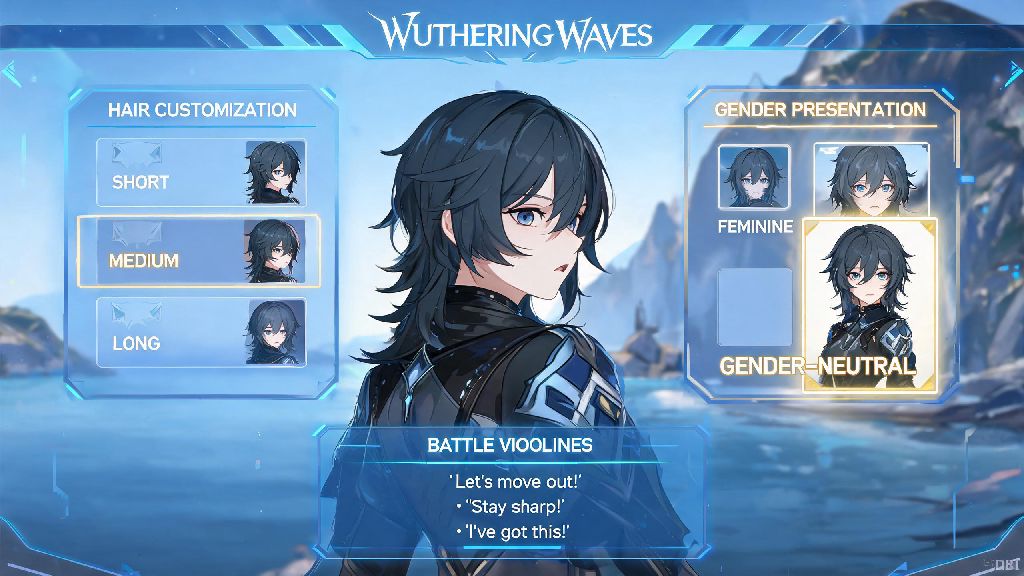
If you’ve ever spent 45 minutes tweaking every tiny detail of your Wuthering Waves Rover, from eyelash length to battle voice lines, only to realize a few hours into the story that you’d rather play as the other gender, you’re not alone. Thousands of new players ask the same question every week: can you switch genders in Wuthering Waves after you’ve already confirmed your character and started your save file? It’s a totally reasonable ask, especially since many other open-world gacha games let you adjust character appearance, or even swap genders, for free or a small fee after you start playing. Most players don’t want to throw away hours of progress just to fix a choice they made in 30 seconds at the start of the game.
Can You Switch Genders in Wuthering Waves Officially?
Right now, the short answer to that question is no, there is no official in-game way to swap your Rover’s gender once you’ve confirmed your initial character creation choice. Official gender swap support is not currently available for existing save files, even if you are willing to pay for a change ticket. I tested this myself a few months back when I wanted to switch my male Rover to female after seeing a friend’s playthrough of the main story chapter 2 cutscenes, where the female voice actor delivers a particularly emotional line way better than the male version. I dug through every settings menu, checked the in-game shop for customization items, and even reached out to customer support to see if there was a hidden option. I came up empty on all fronts.
The reason for this limitation is pretty straightforward: the dev team at Kuro Games tied the Rover’s gender to core save file data at launch, including voice line triggers, cutscene camera angles, and minor character interaction variations. Swapping gender mid-save would require rewriting a lot of that connected data, which could cause bugs or broken cutscenes if not implemented carefully. You won’t find a toggle for this in your account settings, profile menu, or customization shop as of the latest game update.
What Options Do You Have If You Want To Change Your Rover's Gender?
Just because there’s no official support doesn’t mean you’re completely out of options, depending on how far you are into your playthrough and what platform you play on. We’ve tested all the available workarounds to make sure they’re safe, and compiled the most reliable ones below:
That said, there are some important caveats to keep in mind with these workarounds. Never use mods that alter core game files while connected to online servers, as this can trigger an account ban that Kuro Games will not reverse. Mods are only safe if you use them exclusively in offline single-player mode, and you should always back up your save files before installing any mod. If you have spent money on limited banners, or are more than 10 hours into your playthrough, restarting your save is not recommended unless you’re okay with losing all your progress, rare characters, and paid currency. It’s not worth throwing away dozens of hours of grind or real money just to swap your character’s gender, especially since the feature will likely be added officially down the line.
Will Gender Swap Be Added To Wuthering Waves In The Future?
If you’re not willing to restart your save or use mods, you’ll be happy to hear that the dev team has not shut down the idea of adding official gender swap support. Gender swap is one of the most requested features on the official Wuthering Waves Discord, Reddit, and feedback portal, with thousands of upvotes and comments asking for the option. Kuro Games has a proven track record of adding highly requested quality of life features after launch: they added free facial re-customization just three months after the game’s global release, after thousands of players asked for the ability to tweak their Rover’s face after starting the game.
Developers have not ruled out adding gender swap functionality in future content patches, and mentioned in a recent Q&A livestream that they are currently evaluating the technical requirements to add the feature without breaking existing save files. The biggest hurdle right now is making sure all existing cutscenes, voice lines, and character interactions work seamlessly when you swap genders mid-save. Some cutscenes have small gender-specific details that would need to be adjusted, and the team wants to make sure there are no bugs or broken moments when the feature launches. There’s no confirmed release date yet, but many players expect it to arrive sometime in the next 6 to 12 months, alongside other major quality of life updates. I’ve been covering Wuthering Waves updates since launch, and I’d be surprised if we don’t see an official gender swap option announced before the end of the year, given how high demand is for the feature.
Tips For Picking The Right Gender For Your Rover First Try
The easiest way to avoid the hassle of wanting to swap genders later is to take your time during the initial character creation process. Many new players rush through this step to get to the gameplay as fast as possible, but spending an extra 10 minutes testing both options can save you a lot of frustration later. First, make sure you listen to both gender’s full voice line options before you pick. Play the idle lines, battle lines, and story preview lines to see which voice actor’s performance you prefer more. The differences are small, but they add up over dozens of hours of gameplay.
Second, if you’re on the fence, look up short clips of both genders’ main story cutscenes online to see which version you like better. Many content creators post clips of key story moments for both genders, so you can get a feel for how each one performs in emotional or high-stakes scenes. Third, remember that your choice of gender has no impact on gameplay at all. Your Rover's gender has zero impact on your in-game combat strength or progression speed, and you’ll have access to exactly the same content, characters, and rewards no matter which one you pick. It’s purely a cosmetic and personal preference choice, so there’s no “right” or “wrong” pick as long as you’re happy with it. If you really can’t decide, pick whichever one you think looks or sounds better, and don’t overthink it. Even if you end up wanting to swap later, you’ll likely have the official option available before too long.
At the end of the day, the lack of an official gender swap option is one of the most common frustrations for new Wuthering Waves players, but it’s not a permanent barrier. If you’re asking can you switch genders in Wuthering Waves right now, your best options are to restart your save if you’re early on, use safe single-player mods if you play on PC, or wait for the feature to be added officially down the line. Take your time during character creation to make sure you’re happy with your pick, and don’t be afraid to submit feedback to the dev team if you want to see the feature added faster. Wuthering Waves is still a relatively new game, and the dev team is constantly adding new features to improve the player experience, so it’s only a matter of time before official gender swap support is available for all players.