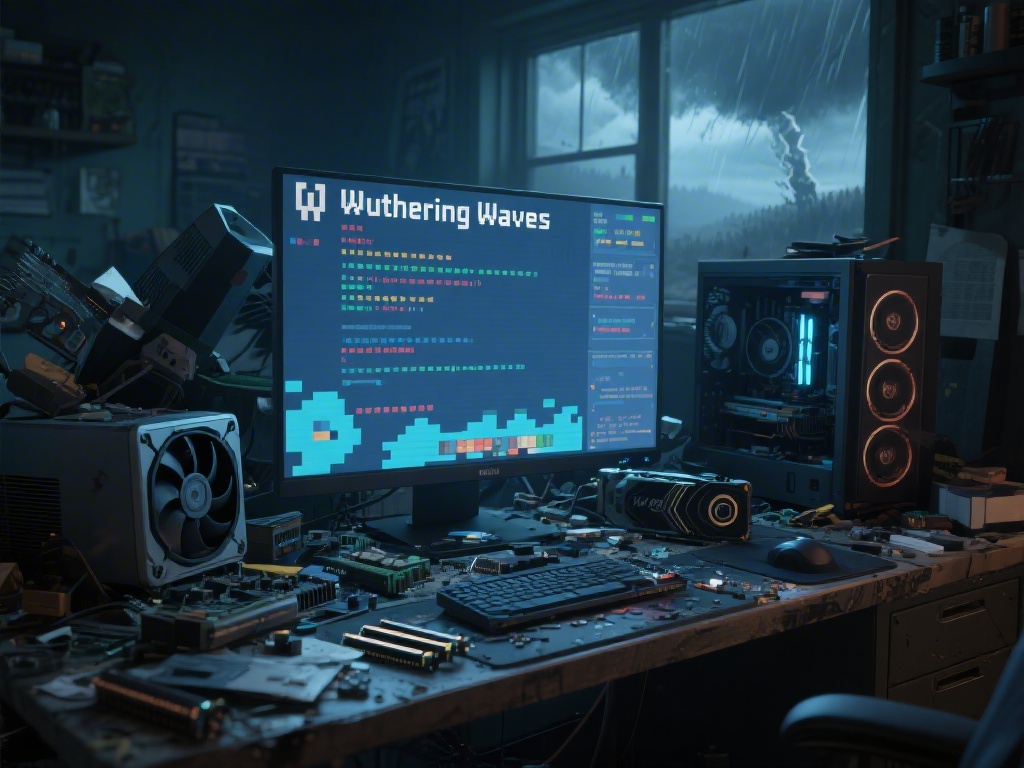
Are you experiencing constant lag while playing Wuthering Waves? If so, you're not alone. Many players have reported issues with the game's performance, particularly on PCs. In this article, we'll delve into the reasons behind the lag and provide you with five practical tips to improve your PC's performance in Wuthering Waves.
Why Is Wuthering Waves So Laggy?
There are several reasons why Wuthering Waves might be laggy on your PC:
5 Ways to Improve Your PC Performance in Wuthering Waves
1. Update Your Hardware and Drivers
Make sure your PC meets the minimum requirements for Wuthering Waves. If not, consider upgrading your hardware, such as your graphics card, CPU, or RAM. Also, update your graphics and system drivers to the latest versions.
2. Close Background Applications
Before launching the game, close any unnecessary background applications to free up system resources. This will help reduce the load on your CPU and GPU, leading to improved performance.
3. Adjust In-Game Settings
Lower your in-game settings, such as resolution, texture quality, and shadows, to reduce the strain on your hardware. Experiment with different settings to find the sweet spot between performance and visual quality.
4. Optimize Your Network Connection
If you're experiencing lag due to network issues, try the following tips:
5. Use a Performance Monitor
Use a performance monitor to keep an eye on your PC's resource usage during gameplay. This can help you identify and fix performance bottlenecks.
Conclusion
By following these five tips, you should be able to reduce lag and improve your PC performance in Wuthering Waves. Remember that regular updates and maintenance of your hardware and software are essential for a smooth gaming experience.